
✦ Construction & Real Estate

Construction IT Support for Long Island Firms

Construction IT support for Long Island firms should keep office staff, project managers, and field teams connected across jobsites, offices, and cloud platforms. DreamMSP supports the everyday technology behind projects and transactions, with clear ownership when an issue crosses devices, networks, software, or vendors.

Your Industry

Construction IT Support for Long Island Built for Office and Field

Construction and real estate run on coordination: plans, permits, punch lists, and contracts moving between offices, job sites, and closing tables. When the technology hiccups, projects stall and deals slip.

Construction IT support also means coordinating specialized software vendors, protecting mobile devices, and planning reliable access to drawings, schedules, and project records as teams move between offices and jobsites.

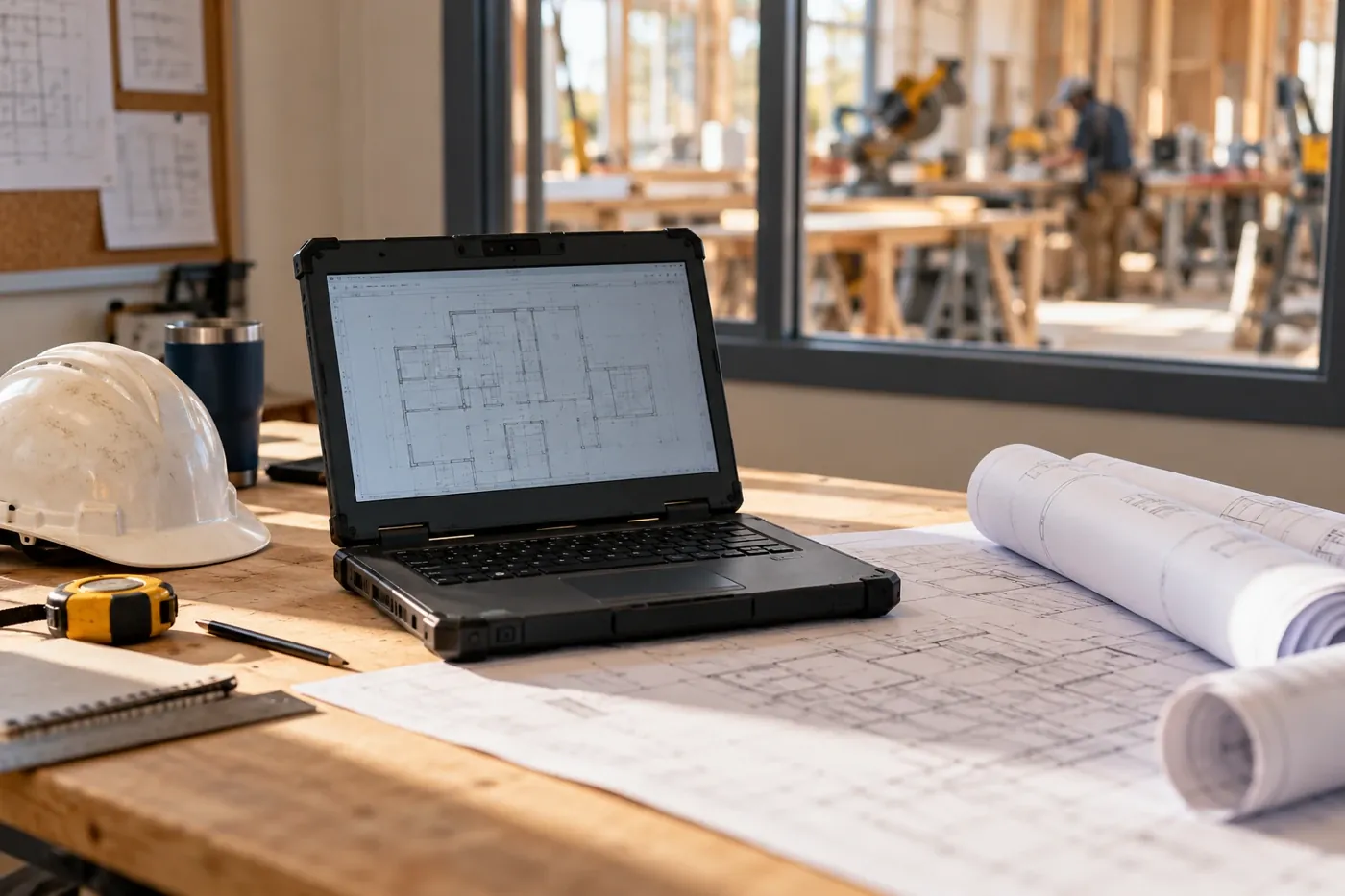
We connect field and office — rugged devices, job-site connectivity, and project management platforms that superintendents actually use — while keeping the back office humming.

Real estate wire fraud is an epidemic: attackers impersonate title companies and redirect closing funds. We deploy the email security and verification workflows that stop these scams cold.

Field-Ready IT

Job sitesConnected & supported
Project softwareProcore, Buildertrend & more
Wire fraudEmail impersonation defense
Plans & docsSynced office to field
How We Help

Construction IT Support That Follows the Project

Tailored capabilities on top of our full managed-services stack.

Job-Site Connectivity

Trailer internet, rugged tablets, and mobile device management — the field connected to the office in real time.

Project Platform Support

Procore, Buildertrend, PlanGrid, and estimating software supported, integrated, and kept available.

Wire-Fraud Defense

Email impersonation protection and verification procedures that keep closing funds out of criminals’ accounts.

Document Management

Plans, permits, contracts, and closing documents organized, backed up, and retrievable years later.

Managed IT Services for Construction Companies From Office to Job Site

Construction IT support has to account for people moving between the office, jobsites, home, and client locations. We bring help desk service, cloud administration, cybersecurity, backup, covered devices, vendor coordination, and technology planning into one managed-services relationship.

Support for Office and Field Employees

Employees get one place to ask for help with laptops, mobile access, Microsoft 365, printers, applications, and connectivity. We document recurring problems and the people, devices, locations, and vendors involved so field issues do not start from zero each time.

Microsoft 365 and Project Collaboration

We manage supported accounts, licensing, permissions, multifactor authentication, onboarding, offboarding, and collaboration settings. Project platforms remain supported by their publishers, while we address the underlying identities, computers, networks, and Microsoft 365 services that keep them accessible.

Job-Site Connectivity and Vendor Coordination

Temporary internet, wireless coverage, trailers, printers, cameras, phones, and specialized vendors can create unclear lines of responsibility. We help define the supported scope, coordinate authorized providers, and keep technical context from being lost between the field and the office.

Security, Backup, and Business Continuity

We help reduce email and identity risk, organize covered backups, document recovery priorities, and plan around the systems that affect estimating, scheduling, billing, and project records. No single tool guarantees an outcome, so controls are selected and maintained as a practical layer of protection.

Our recommendations also draw on practical small-business guidance from CISA’s Secure Our World program while remaining tailored to the company’s actual people, projects, systems, and risk decisions.

Technology Planning When a New Construction Project Starts

A new project changes more than the schedule. It can introduce a temporary office, new employees, subcontractor access, mobile devices, internet service, shared drawings, and another group of vendors. Treating those needs as part of mobilization helps the field team begin work without creating avoidable security and support problems.

Set Up the Job Site Before the Crew Arrives

Connectivity, printers, tablets, laptops, project-platform access, and shared files should have named owners and tested workflows before the site becomes busy. DreamMSP can coordinate internet and equipment vendors, prepare covered devices, document the setup, and give office and field employees one support path. That reduces the familiar first-week scramble between the general contractor, software provider, carrier, and equipment supplier.

Close the Technology Loop When the Project Ends

Project closeout should include technology closeout. Temporary accounts, vendor permissions, forwarding rules, devices, licenses, shared folders, and site services need a deliberate review. Important records should remain accessible to the right people without leaving unnecessary access behind. A documented process makes the next project easier because the company can reuse what worked and correct what did not.

Ready to Talk Through Your IT?

A focused 15-minute call is enough to understand what is getting in the way and decide whether DreamMSP is the right fit.

Schedule a 15-Minute Call