DreamMSP
Menu

Who we help

Managed IT support for dental practices on Long Island.

DreamMSP looks after the computers, office network and Microsoft 365 accounts used by Long Island dental practices. When reception or imaging workstations stop working, we help staff troubleshoot the problem and coordinate with the practice-software vendor.

Free industry guide

How ready is your practice’s IT?

Review the systems behind patient care, spot gaps in access and data protection, and plan the improvements that need attention.

FREE DREAMMSP RESOURCE

HIPAA IT Readiness Checklist

Keep a copy in your inbox. We’ll email you a link to the fillable PDF.

Download the PDF before filling it in, then save a copy with your answers.

Where should we send it?

Optional emails

We’ll email the resource you requested. Additional emails are optional; you can unsubscribe at any time. No texts. Privacy information.

When a practice computer stops working

A computer problem at reception or an imaging workstation can interrupt appointments. DreamMSP helps your team get back to scheduling, patient records, scanning and dental images, working with your practice-software provider when the issue needs their involvement.

Our dental imaging case study describes a real investigation into X-ray delays and the connection problem behind them.

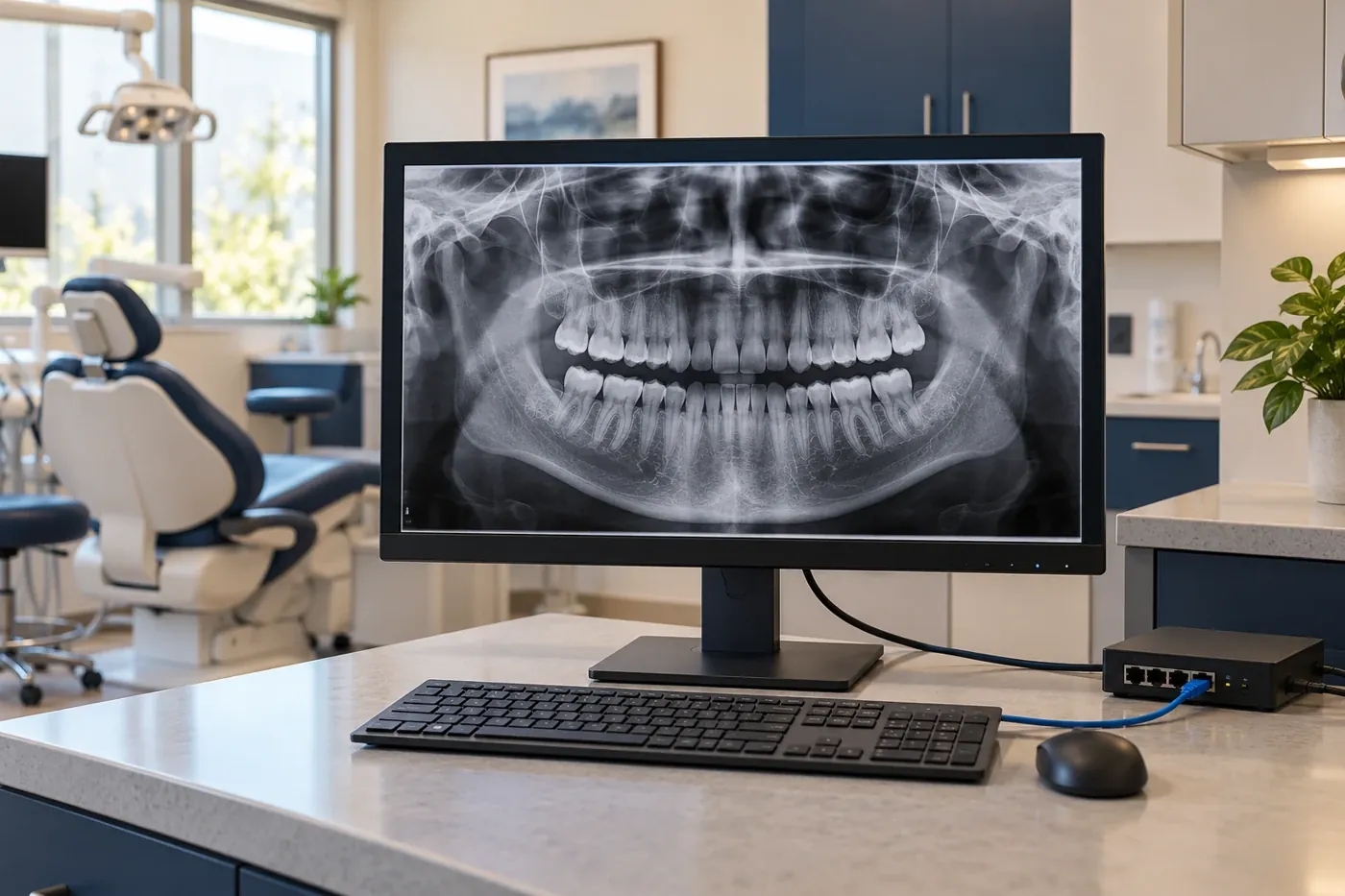
Dental workstation displaying a panoramic dental image beside a treatment room

Support from the front desk to the treatment room.

Reception staff and clinical teams use different parts of the same IT setup. Here is how we help with the office technology behind their work.

Reception and scheduling

Help with sign-ins, printing, scanning, email and office connections. When Dentrix, Eaglesoft or Open Dental is unavailable, we investigate the computer, account and connection problems within our support, and work with the software provider where their help is needed.

Dentrix, Eaglesoft, Open Dental and DEXIS access

When an imaging computer fails or needs replacing, your team needs to get back to patient records and X-rays. We help with the computers and connections behind Dentrix, Eaglesoft, Open Dental and DEXIS, and work with your software or equipment provider when their help is needed.

We plan replacements around the practice’s schedule and check with staff that they can open records, view images and use the equipment they depend on.

Office networks and connected devices

Your team needs dependable connections at reception and in treatment rooms. We help with the office network and staff and guest Wi-Fi, and coordinate changes that affect imaging or other specialist equipment with the appropriate vendor.

Shared reception and treatment-room computers

A computer used by several staff needs to fit the practice’s sign-in and application arrangements. We discuss who uses each station, the printers and scanners they need and how they request help. Your practice approves access; we coordinate with dental vendors where their software affects how that shared workstation can be used.

Protecting patient information and card payments.

Patient records, dental images and card payments need appropriate protection. We help with the technology work supporting HIPAA and HITECH patient-information requirements and your payment provider’s PCI DSS card-security requirements. Your practice and its advisers decide which requirements apply; IT support does not certify compliance.

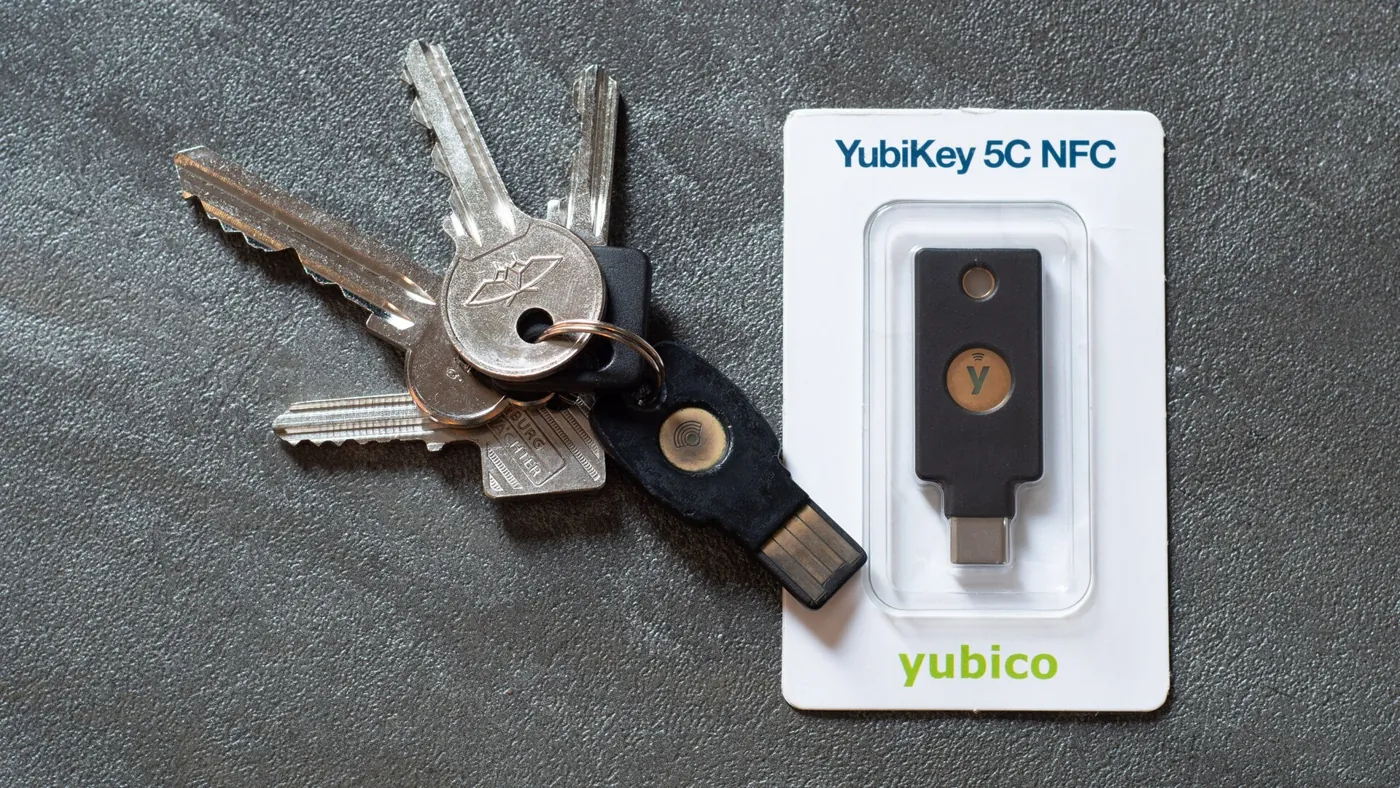
A USB-C security key beside a set of keys
A USB-C security key beside a set of keys. Photo: Daniel Aleksandersen, CC BY 4.0. Resized and cropped for display.

Access to patient information

Staff should have the access they need for their jobs, and the practice should know what happens when someone joins, leaves or reports a suspicious email. We help put the agreed account protections in place, including an extra sign-in check where supported, and arrange the required business associate agreement when our work involves protected patient information.

Your practice and its advisers decide the wider patient-privacy and incident-reporting requirements.

Imaging recovery and card-payment security

Your team needs a plan for recovering patient records and images if a computer or system fails. We help with the agreed backups and connections behind Dentrix or DEXIS, and work with your payment company when card terminals or their office connections need attention.

Your practice still has card-security responsibilities when another company processes payments. We coordinate the agreed IT work with that provider.

Plan changes around the appointment book.

A workstation replacement or network change should fit around appointments. We coordinate the timing with your practice and relevant vendors, and check with staff that the supported applications and equipment are ready for normal work.

If you are changing IT providers, we help plan the transfer of accounts, records and outstanding issues before the new arrangement begins. Your proposal explains the support included and any separately priced projects.

A spare reception computer is only useful if staff can reach the scheduling, scanning and printing tools they need. An imaging workstation has different dependencies again. We help the practice decide what each replacement must do and coordinate with the dental vendors before choosing equipment, so a new computer does not become another interruption to appointments.

Stop the same faults interrupting appointments.

An imaging delay that disappears after a restart can still be costing the practice time every week. Reception may have learned to work around a slow scanner without anyone realizing how often patients are waiting. Those repeated interruptions deserve attention alongside complete outages.

We discuss the tasks staff keep repeating, where the delays occur and which rooms are affected. That helps distinguish a problem limited to one computer from something shared across the practice. The explanation should give the practice manager a basis for deciding what to repair, replace or investigate further.

A reason for the next purchase

Before recommending another computer or network upgrade, we explain which recurring problem the work is intended to address. A slow image transfer, an unreliable scanner connection and a computer approaching replacement age can need different answers. Your practice can compare the cost and expected benefit of each proposed change instead of approving a broad refresh without knowing what it will solve.

An answer the practice manager can use

After an investigation, your team needs to know what changed, whether staff can complete the interrupted task and whether anything remains unresolved. We explain the findings in everyday language. If more work is needed, the practice can weigh its timing against appointments, equipment availability and other spending, with a clear next step rather than another unexplained restart.

Before you get started

Questions about dental managed IT support.

Have a question about your own setup? Talk with Charles.

Can you work with Dentrix and DEXIS?

Yes. Our dental imaging case study describes a real investigation involving Dentrix and DEXIS. We help with the supported computers and connections behind those applications and involve the software or equipment provider when their specialist help is needed. We review your practice's setup before agreeing the work.

Does IT support make our practice HIPAA compliant?

An IT agreement alone does not establish compliance. Technical safeguards, practice policies, risk assessment, training, and appropriate agreements all have roles. We can discuss the technical responsibilities in our scope while your practice and qualified advisers determine its obligations.

Can you help a practice with more than one location?

Yes. A patient may be seen at one office while their records or images are held at another. We discuss how each location reaches those systems, who supports the connections and which dental vendors need to be involved. The proposal identifies the computers and offices covered, including onsite arrangements. Adding another practice location does not automatically include migrating records or combining separate imaging systems.

Will you need patient records for the first conversation?

No. Share your location, approximate device count, application names, current support arrangement, and a description of the issue. Do not submit patient information, passwords, or confidential records through the website.

Can we start with a specific problem?

Yes. Describe the interruption and the providers already involved. We can discuss whether an assessment or focused project is appropriate before proposing ongoing support.

Can we change dental IT providers without changing our practice software?

Changing the company that supports your computers does not by itself require changing Dentrix, Eaglesoft, Open Dental or your imaging system. We review the existing setup, subscriptions and access with your practice and vendors, then plan the handover around appointments. Any recommended replacement is a separate decision for the practice.

Let’s talk about your IT.

Tell us what's working, what's frustrating, and where you need help.