DreamMSP
Menu

Who we help

Managed IT support for manufacturing and distribution on Long Island.

Office, warehouse, and management teams rely on business systems that need consistent support. We manage the surrounding business IT and coordinate with the qualified vendors responsible for production equipment and operational technology.

Free industry guide

Which IT gaps could hold up your next order?

Review the business systems behind engineering, office and warehouse work. Map the dependencies and prioritize improvements with the included worksheet.

FREE DREAMMSP RESOURCE

Manufacturing IT Readiness Checklist

Keep a copy in your inbox. We’ll email you a link to the fillable PDF.

Download the PDF before filling it in, then save a copy with your answers.

Where should we send it?

Optional emails

We’ll email the resource you requested. Additional emails are optional; you can unsubscribe at any time. No texts. Privacy information.

Business IT for manufacturing and distribution.

An engineering workstation, an inventory system and a shipping station have different demands. We plan business IT around the applications your team uses—from AutoCAD and SOLIDWORKS to QuickBooks Enterprise and Microsoft Dynamics 365 Business Central—and the computers, servers, network and recovery arrangements behind them.

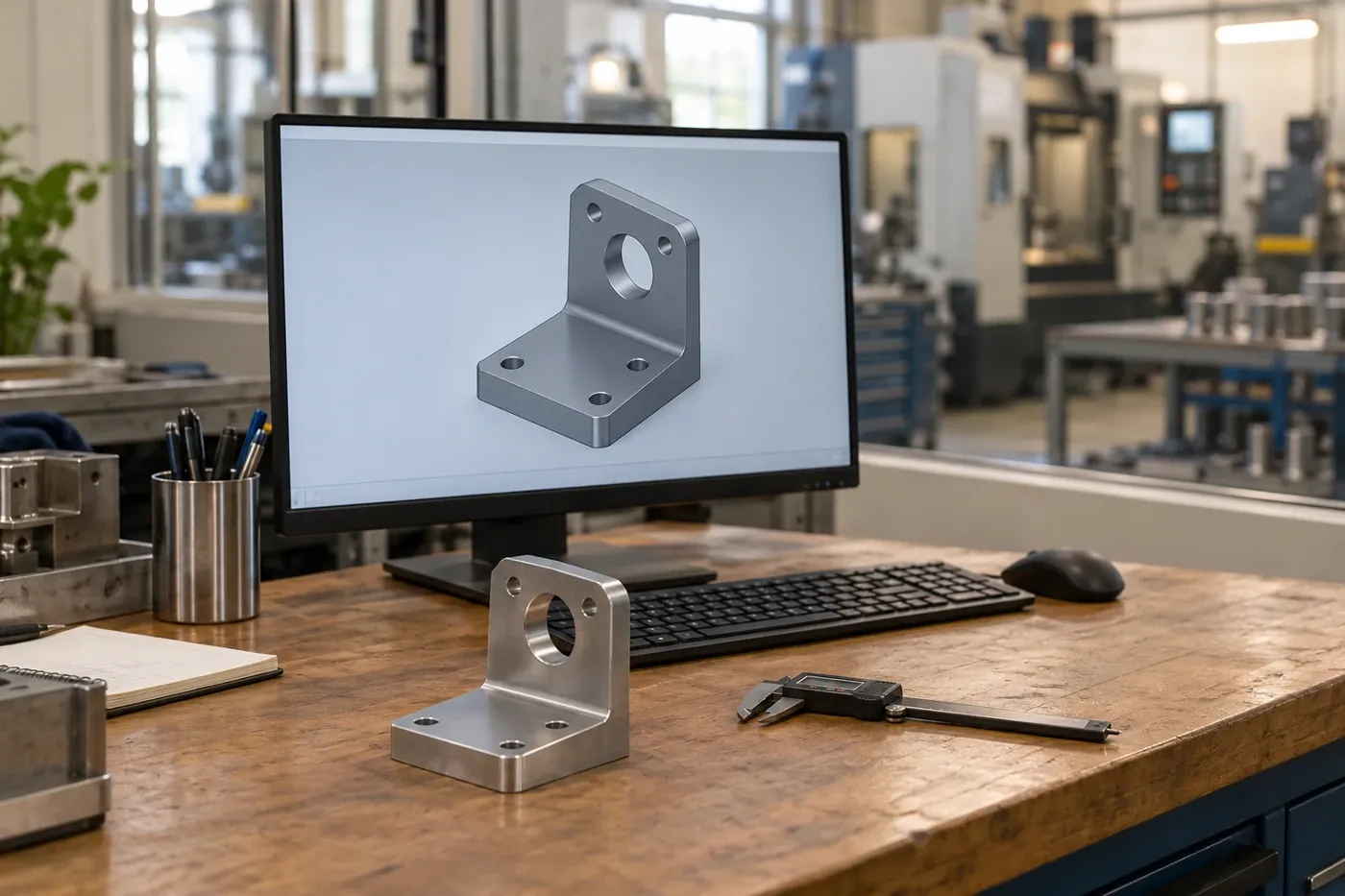
Engineering workstation with a component drawing beside a workshop

AutoCAD and SOLIDWORKS workstations

Slow drawing loads, unstable graphics, or a replacement PC that cannot open the same assembly can hold up an engineering team. For AutoCAD and SOLIDWORKS, we recommend and prepare workstations around the application release, workload, licensing, add-ins, approved graphics drivers, and shared drawing locations your team uses.

The result should be a computer that supports the drawing, assembly, save, export, and print work engineering needs to complete.

Reliable connections for inventory and shipping

Receiving, inventory and shipping depend on reliable scanners, printers, shared workstations and connections. We support that business infrastructure around systems such as Microsoft Dynamics 365 Business Central, with records of network equipment, administrator ownership and vendor contacts.

Approved vendor access and changes are coordinated with the people responsible for production equipment and operational technology (OT). Industrial controls and safety systems remain with their qualified providers. Our zero trust guide explains limiting access to the resources a task requires.

QuickBooks Enterprise, inventory and shipping

QuickBooks Desktop Enterprise can connect accounting with inventory and orders, while Dynamics 365 Business Central may support wider operations. We help resolve the supported computer, server, permissions and connectivity problems that stop staff moving an order forward.

Updates are planned around receiving, production planning and carrier cut-off times. Accounting, application configuration and production decisions stay with your team and the relevant specialists.

Drawing files, SOLIDWORKS PDM and recovery

Engineering needs usable drawings and assemblies after a loss. A SOLIDWORKS PDM environment includes file-vault and database dependencies, so copying a project folder alone may leave important parts of recovery missing.

We plan the backup responsibilities and restoration checks with your PDM or application specialist, including the components needed to recover usable design files and business records.

Support the business systems that keep orders moving.

An order can touch purchasing, office staff, inventory applications, shipping stations, and outside suppliers before it leaves the building. A shared computer or network interruption can therefore affect more than the person who reports it.

DreamMSP helps keep the office and warehouse technology behind receiving, picking, packing, and shipping dependable. We plan changes around the systems, shared devices, carrier cut-off times, and people affected, then coordinate application issues with the relevant vendor. Production equipment, industrial controls, and safety systems remain with their qualified providers.

The right replacement for a shared shipping station may be very different from the right AutoCAD or SOLIDWORKS workstation. We help compare those needs separately: the applications, connected equipment, shared files and work each employee must complete. That lets you budget for the capability a job needs without buying the same specification for every desk.

Changes planned around the working day

A CAD workstation replacement and a shared shipping computer affect different teams and schedules. We plan each change around the work it enables, including shifts, shipping deadlines, application contacts, and maintenance windows.

Mastercam workstations and production boundaries

A Mastercam CAD/CAM workstation may sit between engineering files and a machining workflow. We can support the business computer, licensing dependencies, file locations, and approved network connections alongside your software specialist.

Toolpaths, post-processors, CNC programming, machine controls, and safety validation belong to the qualified production specialists. Changes that could affect equipment are coordinated with them before implementation.

Prioritize a shipping outage differently from a slow design PC.

A single shared shipping station can hold up several people even if every office computer is working. A slow engineering workstation may affect fewer employees but delay a drawing needed for the next job. Computer counts alone do not explain those priorities.

We discuss the people and deadlines affected by each business system. That helps set a sensible order for support, replacement spending and recovery planning. The owner or operations manager can see why a seemingly ordinary computer may deserve attention before a newer or more expensive workstation.

Receiving and dispatch

A replacement shipping computer needs more than a browser if staff also rely on label printers, scanners, scales or a carrier application. We review the connected business equipment and software with the people using it. Where a spare station is appropriate, the question is whether it can perform the actual job, rather than simply whether it powers on. Changes are planned with dispatch and receiving commitments in mind.

Engineering and order records

After an interruption, engineering may need the right drawing revision while operations needs current orders and inventory information. We discuss the recovery sequence with your authorized staff and application providers. Your business determines which records and transactions are authoritative; we support the agreed restoration work. That keeps the recovery conversation tied to usable business information instead of ending with a statement that a backup completed.

Before you get started

Questions about manufacturing & distribution managed IT support.

Have a question about your own setup? Talk with Charles.

Do you manage production machinery or industrial controls?

Our scope is the surrounding business IT. Production equipment, SCADA, and specialized operational systems remain with their qualified vendors. Where agreed, we coordinate shared dependencies such as office-network connectivity, approved remote-access paths, and vendor escalation; we do not alter industrial controls, machinery, or safety systems.

Can you help if an inventory or shipping application stops working?

Yes, within the agreed business-IT scope. Tell us which task is held up, such as opening an order, reaching stock records or printing a shipping label. We investigate the supported computer, account, connection and peripherals, and pass useful findings to the application provider when needed. Your operations team keeps control of inventory and production decisions.

Can you help with computers running AutoCAD or SOLIDWORKS?

We can help with the workstations, file access and other agreed business IT around those applications. Explain whether staff are struggling to open a drawing, reach a shared project or use a replacement computer. We investigate that interruption and involve your CAD specialist for application-specific work. Engineering, design and machine-programming decisions stay with your team and qualified specialists.

Can one IT company support our office and warehouse computers?

Yes, the agreed plan can cover business computers used for administration, inventory and shipping as well as office accounts and network connections. We review the applications and working hours at each location. Production machinery, industrial controls and safety systems stay with their qualified providers.

Can you help us choose replacement computers for CAD work?

We can review the requirements supplied for your AutoCAD, SOLIDWORKS or other design applications and discuss a suitable workstation with your software specialist. The decision should account for the drawings or assemblies your staff use, licensing and shared storage. Your team confirms that the replacement supports its normal work before the old computer is retired.

Let’s talk about your IT.

Tell us what's working, what's frustrating, and where you need help.