DreamMSP
Menu

Who we help

Managed IT support for healthcare practices on Long Island.

Your staff need dependable business technology around patient care. We help manage the computers, network, accounts, and backups that support the practice, while coordinating with the vendors responsible for clinical applications and equipment.

Free industry guide

How ready is your practice’s IT?

Review the systems behind patient care, spot gaps in access and data protection, and plan the improvements that need attention.

FREE DREAMMSP RESOURCE

HIPAA IT Readiness Checklist

Keep a copy in your inbox. We’ll email you a link to the fillable PDF.

Download the PDF before filling it in, then save a copy with your answers.

Where should we send it?

Optional emails

We’ll email the resource you requested. Additional emails are optional; you can unsubscribe at any time. No texts. Privacy information.

Business IT supporting patient-facing work.

DreamMSP helps healthcare practices across Suffolk County keep reception, clinical workstations, and office systems working together. We support the computers, networks, accounts, and backups around patient care, and coordinate issues that need a clinical vendor.

For an EHR such as athenaOne, we help staff get back to scheduling, label printing, record access, and checkout. When an application vendor needs to be involved, we provide the context they need so your team is not left coordinating the handoff.

If reception can open the EHR but cannot print a label, replacing the clinical software is unlikely to be the first useful step. We investigate the supported workstation, printer and connections and involve the EHR provider when the evidence points there. Your practice gets help with the interrupted task, without having to diagnose which supplier owns the fault.

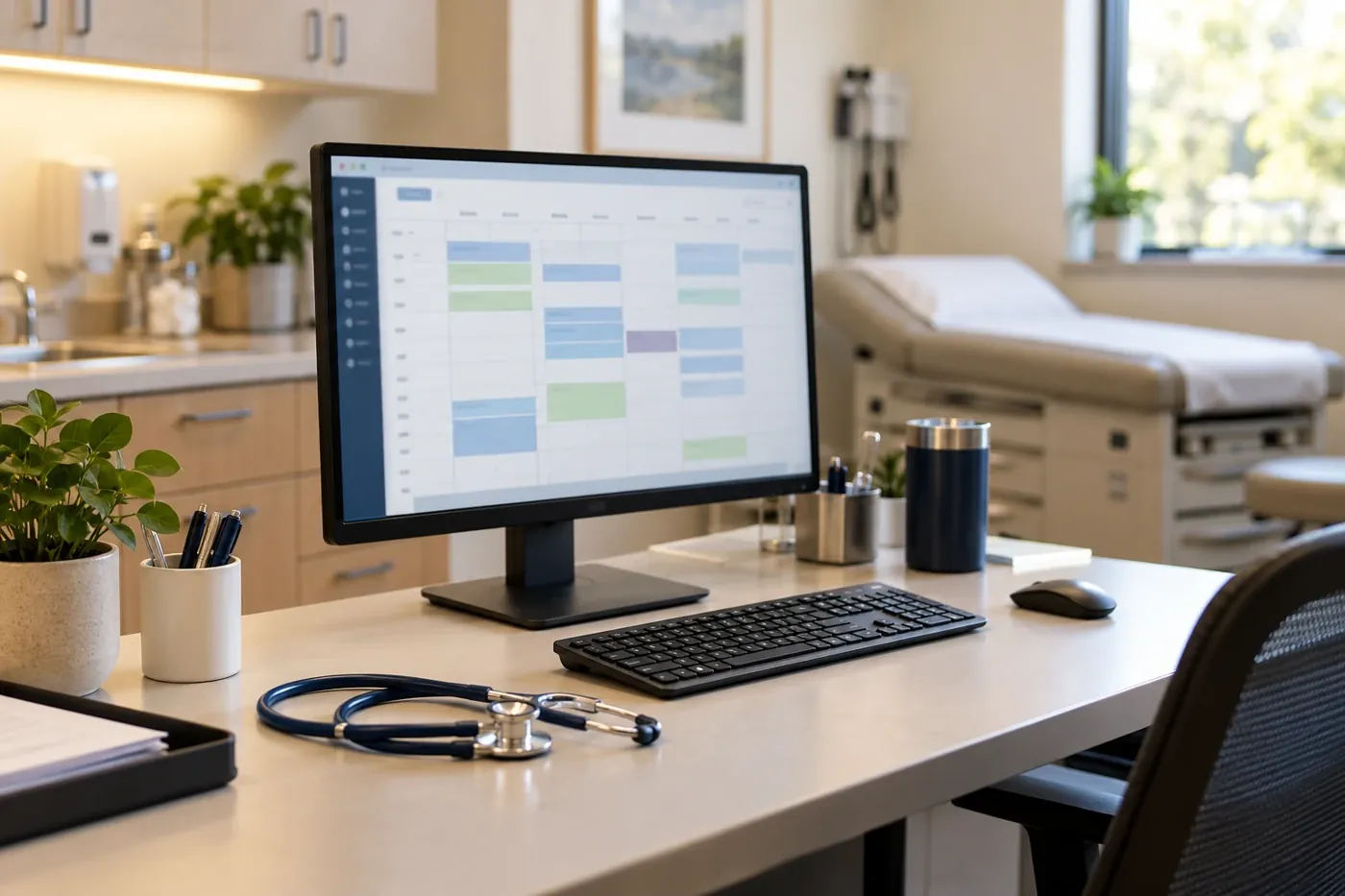
Medical practice workstation with appointment scheduling on screen

Front-desk computers and scheduling

Reception needs reliable computers, shared printers, email, and sign-ins to keep appointments moving. We support the technology around athenaOne and eClinicalWorks and work with the vendor when the issue belongs in the clinical application.

Staff access and practice records

We help keep business-system access aligned with the people working in the practice, including new starters and departing staff. Your practice remains responsible for record and application permissions. Our MFA, SSO, and Conditional Access guide explains the account controls that can support that work.

Clinical-vendor coordination

An EHR issue may affect scheduling, records, labels, or a connected device. We help determine whether the supported computer, account, printer, connection, or clinical application needs attention, then coordinate with the appropriate vendor. Clinical software decisions and medical equipment remain with their qualified providers.

Backup coverage around the practice

We help clarify which business systems and records are included in backup and security work, who receives alerts, and how recovery results are shared with the practice.

HIPAA, HITECH and payment security.

Patient information and card payments have different security requirements. HIPAA and HITECH inform safeguards for electronic protected health information (ePHI) and applicable business-associate relationships. PCI DSS addresses payment-card security. We help carry out the agreed technical controls; your practice and qualified advisers determine the applicable obligations.

Patient privacy, access and HIPAA safeguards

We help put the agreed technical safeguards around ePHI into practice: supported devices, appropriate access for reception, billing, clinical, and administrator roles, and account protection such as MFA where supported. We can also help keep vendor contacts and applicable BAAs available when the practice needs them.

HITECH expanded direct HIPAA responsibilities for business associates. Your practice and qualified advisers determine the applicable safeguards and staff process.

Card payments, PCI DSS and recovery

We help coordinate the supported technology around card payments, including terminal moves, network changes, and recovery of the business systems in your backup plan. The focus is keeping patient-facing work and payment operations available while the payment provider remains responsible for its platform.

A processor can reduce the systems in PCI DSS scope without eliminating every merchant responsibility. Confirm validation requirements with your payment provider.

Decide which interruptions need a fallback.

A brief loss of email and an unavailable check-in computer do not affect a clinic in the same way. A useful IT conversation starts with the work that would stop: arriving patients, label printing, appointment scheduling or the billing team's access to records.

We help the practice understand which of those tasks rely on one computer, the office internet connection or a hosted application. The practice can then decide where a spare device, another connection or a documented alternative is worth considering. Clinical leaders approve patient-care and downtime procedures; we handle the technology work agreed around them.

That discussion also makes recovery spending easier to explain. A backup for local business files may address one risk while leaving access to a hosted clinical platform dependent on its provider. We identify those separate dependencies so the practice is choosing coverage with a clear understanding of what each part can do.

Plan the IT behind another room or location.

Adding a clinician or treatment room can involve more than buying another computer. Staff may need another application license, a place to print labels, dependable wireless coverage and access to shared office equipment. A new location introduces its own connection and support arrangements.

We discuss those needs with the practice manager before equipment is ordered. That helps bring the computer work, clinical-vendor appointments and room opening date into the same plan.

The budget can distinguish one-time installation from the licenses and support that continue afterward.

For an existing room, replacement equipment should also suit the people using it. Reception staff may value quick access to a scanner and printer, while another team needs a different screen or connection. We work through those practical differences so the purchase fits the job, rather than assuming every room needs an identical setup.

Make support easy for busy practice staff.

Staff should be able to describe an interrupted task and get help without assembling a technical explanation between appointments. We agree how the practice contacts support and how decisions reach the authorized practice contact.

Useful updates during an interruption

The practice needs to know what is affected, what is being investigated and whether staff can use an alternative. We keep the relevant contact informed, including when the next step depends on the internet or clinical-software provider. A clear update helps the practice decide how to organize the work still possible.

Visibility for the practice manager

Recurring faults, aging computers and unresolved supplier issues should be visible outside individual support requests. We can discuss those patterns with the practice manager and separate immediate fixes from planned improvements. The agreed support hours and arrangements for onsite work belong in the proposal, so expectations are clear before an interruption occurs.

Before you get started

Questions about healthcare managed IT support.

Have a question about your own setup? Talk with Charles.

Can you work with our clinical software provider?

Yes. We help with the supported computers, connections, accounts and printers used to reach your clinical applications. When the problem belongs in the EHR or another specialist system, we coordinate with its provider so your staff have a useful route to help. The proposal identifies which responsibilities sit with each party.

Does a cloud clinical application remove the need for local IT support?

No. A cloud EHR still depends on the practice computers, accounts, printers and internet connection used to reach it. When reception cannot print a label or a treatment room cannot open a record, the cause may be local even though the application is hosted elsewhere. We investigate the supported business IT and work with the clinical provider when its specialist help is needed.

Can a small medical practice outsource IT without hiring an IT employee?

Yes. A practice can arrange ongoing support for its business computers, accounts and network without employing an internal IT person. We discuss the applications your staff use, patient-facing interruptions and the technical safeguards needed in the agreed scope. Your clinical software and equipment providers keep their specialist responsibilities.

What should a medical office prepare before changing IT companies?

Start with the application names, number of computers, existing support agreement and the work that must continue during the change. We can then discuss account ownership, relevant business associate agreements and a handover that fits the practice schedule. Do not send patient records or passwords through the website.

Let’s talk about your IT.

Tell us what's working, what's frustrating, and where you need help.