DreamMSP
Menu

DreamMSP · Long Island

Managed IT support in Huntington.

Managed IT support for Huntington, Northport, East Northport and Greenlawn businesses, with help for local offices, shops and service companies.

IT support across Huntington’s downtowns and business corridors.

Huntington, Northport, East Northport and Greenlawn bring together professional offices, downtown shops and companies serving local residents. Businesses along Jericho Turnpike, New York Avenue and Route 25A also need dependable computers, accounts and connections behind their customer work.

DreamMSP starts with how your staff work: appointments in a practice, documents and deadlines in a professional firm, or estimates and schedules in a service company. We provide ongoing IT support and help owners plan equipment, security and backup.

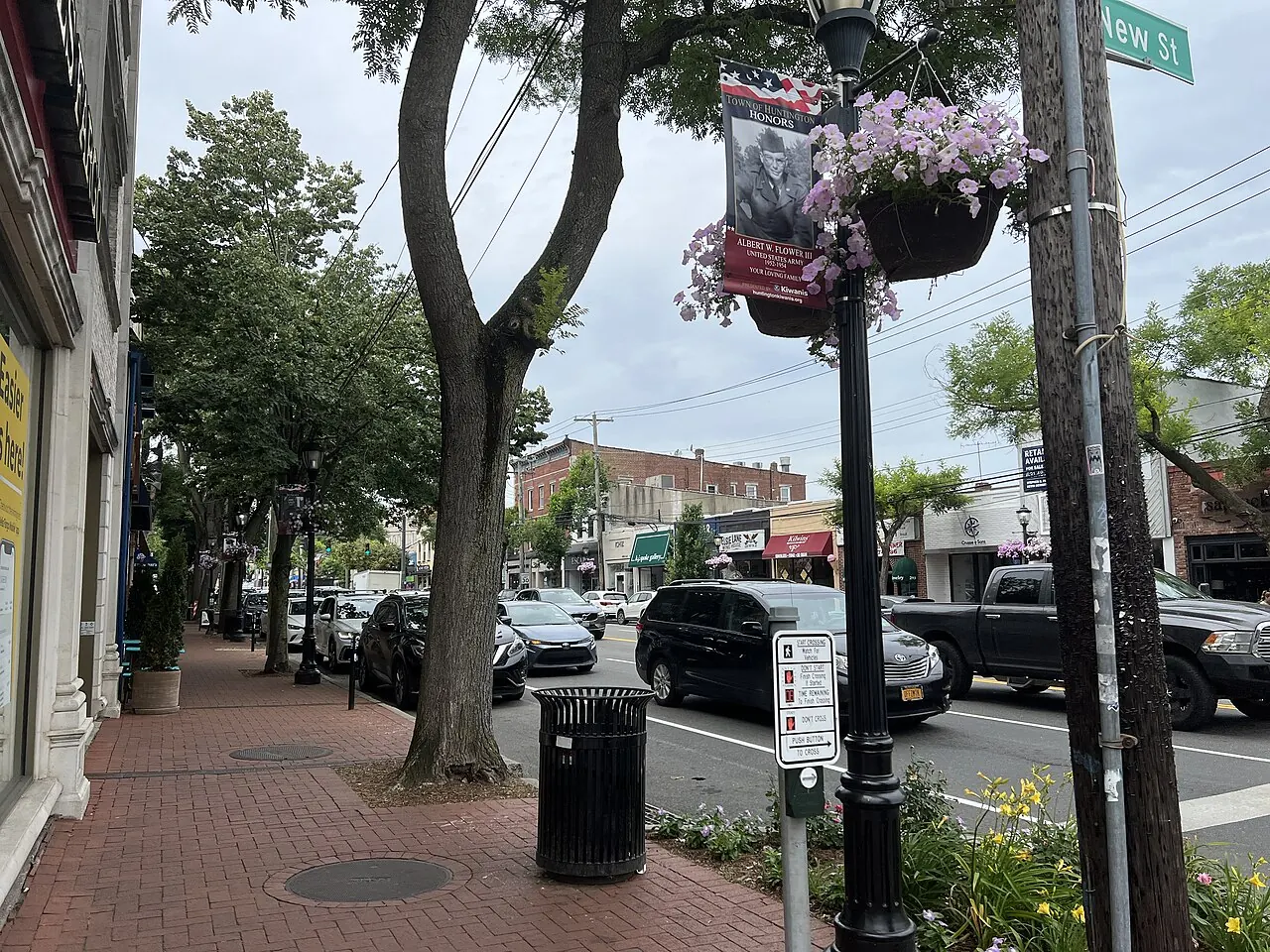
Downtown Huntington on Main Street
Downtown Huntington on Main Street. Photo: AITFFan1, CC BY-SA 4.0. Resized and cropped for display.

Client work across Huntington’s local businesses.

Professional and financial-service offices

Client communication, documents, meetings and business applications need to work together whether staff are in the office or working elsewhere. We help with Microsoft 365, supported devices, account protection and recovery planning. Your firm keeps control of client-information decisions and any professional or compliance requirements.

Downtown retailers and service businesses

Customer-facing staff need the office technology behind enquiries, orders and scheduling to remain usable. We support business computers and networks, coordinate with specialist providers and plan maintenance around operating hours. A shop’s payment platform or a salon’s booking system stays under the responsibility of its vendor.

Service companies in Northport, East Northport and Greenlawn

The office may be preparing estimates and invoices while employees are visiting customers. We help with supported computers, email and shared business applications so the office and field team can work from current information. As people join the business, we plan their equipment and accounts within the existing support arrangement.

Help client work move between the office and home.

For a Huntington professional firm, flexibility is useful only if staff can still find the work and communicate with clients. A document saved on an office desktop, a shared mailbox nobody owns or a meeting disrupted by an unreliable laptop can undo the benefit of working from different locations.

We help review how the agreed computers and Microsoft 365 environment support that work. Shared files should belong in an appropriate company workspace, with access that follows the employee’s role.

A person working from home should have an understood way to reach business information and ask for help when a supported system fails.

The owner also needs to know what happens when a device is lost or an employee leaves. Account protection, company ownership and recovery arrangements are part of that conversation. We explain the options and their effect on everyday work so a new security measure does not arrive as an unexplained obstacle to serving clients.

Outside collaboration needs similar attention. Accountants, attorneys and other firms may share material with clients or professional partners. We can help configure the agreed technology, while the firm decides the appropriate information-handling requirements and who is allowed access. Those responsibilities should be understood before sensitive work is shared.

Give the front desk an easier route to IT help.

In a Northport shop, a Greenlawn service office or a Huntington practice, the person answering the phone is often also the person trying to get a computer problem fixed. Calling several suppliers and retelling the same story takes time away from customers. A defined support relationship can reduce that burden.

We start with the systems included in the plan and the way staff report an interruption. A printing problem, an inaccessible customer document or a computer that repeatedly freezes can be investigated across the supported equipment and connection. When the application vendor is needed, we can coordinate the technical discussion and keep the business informed.

The explanation matters as much as closing the immediate request. If the same fault keeps returning, we discuss the cause and whether a longer-lasting repair or replacement is justified. The business should be able to understand what has changed and whether another piece of work is still outstanding.

A change affecting several staff also needs timing that makes sense. Replacing an office computer during a full appointment book or moving shared files while employees are serving customers can create unnecessary disruption. We discuss a suitable window and what staff will need afterward, so the work fits the operating day rather than becoming another task for reception to manage.

Make sensible decisions about aging office equipment.

An established East Northport or Huntington business may have added computers a few at a time. Some devices remain adequate; others are slow, difficult to support or tied to an application that needs special attention. A blanket instruction to replace everything is rarely a useful explanation for the owner.

We look at the work each device performs, its supportability and the impact of a failure. A computer used for occasional stock administration may deserve a different priority from one handling client appointments all day. We can set out a staged replacement plan alongside the support needed to keep the business operating.

Subscriptions and business applications belong in the budget too. Moving QuickBooks, changing a document system or adding new employees can introduce costs beyond a laptop. We identify the IT work, the software provider’s responsibilities and any separately priced project before asking you to approve it.

That approach is also useful when reviewing your IT provider. You should be able to distinguish the monthly service from equipment purchases and larger improvements, and understand what another employee would add to the bill. We explain the proposed arrangement in terms of the business you run today and the changes you already know are coming.

Before you get started

Questions about Huntington IT support.

Have a question about your own setup? Talk with Charles.

What types of businesses do you support in Huntington?

We discuss support for SMBs with 5–200 computers, including professional firms, customer-facing businesses and companies with office and operational teams. We can work alongside an internal IT employee when responsibilities are clearly agreed.

Can you visit our Huntington or Northport office?

Yes, onsite work can be arranged for the agreed premises and task. We discuss the office schedule, equipment involved and access before confirming a visit from Calverton. Staff can report a problem through the support arrangement first; some issues can be investigated remotely while physical equipment work needs a visit.

Can we keep our existing document and accounting applications?

We review the applications your firm already uses before suggesting a change. For example, a shared-document problem and a QuickBooks access problem may need different help. We support the computers and accounts in scope and involve the relevant application company where needed; your firm retains its accounting, confidentiality and information-sharing decisions.

Let’s talk about your IT.

Tell us what's working, what's frustrating, and where you need help.