
On this page
A UPS gives connected equipment a limited amount of battery power when the wall power drops. Start by deciding what that time is for. You might want ten minutes for a server to shut down safely, or enough time to keep phones and internet running through a brief outage. Those goals can lead to different equipment and different loads.
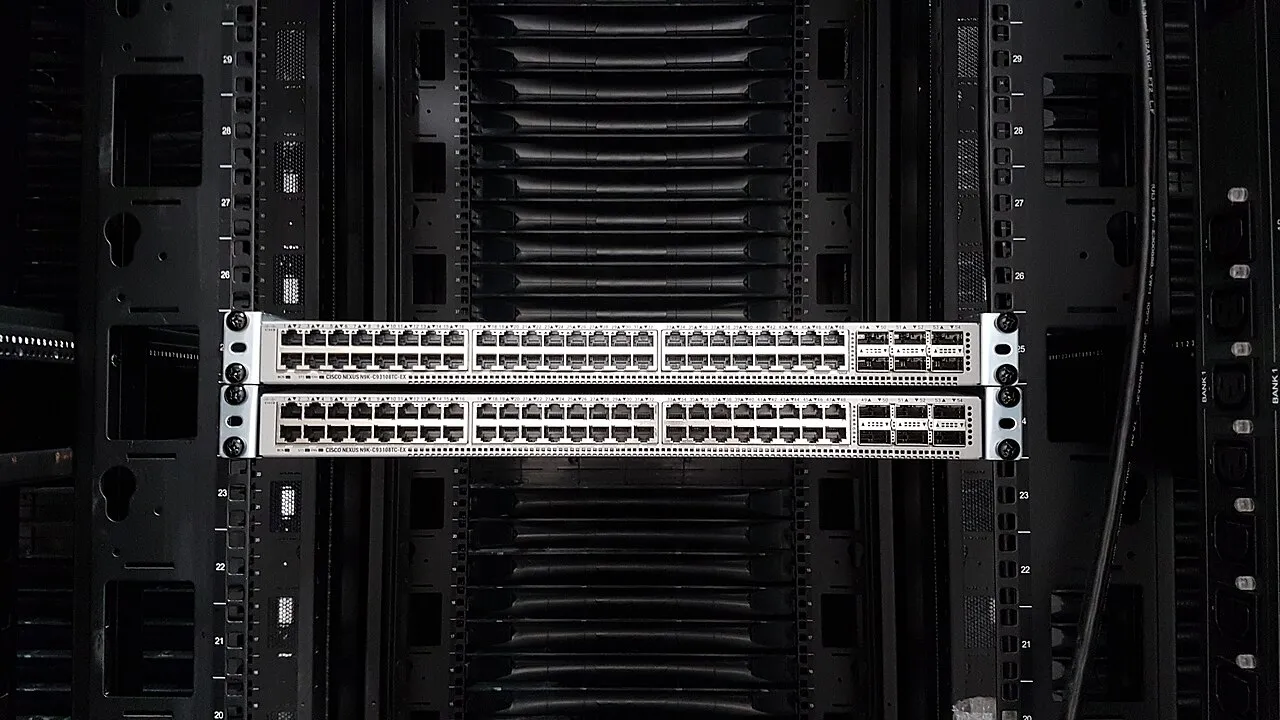

What needs to stay powered, and for how long?
| What needs to work | Equipment that may need battery power | How to check it |
|---|---|---|
| Cloud apps and Wi-Fi | Modem or fiber terminal, firewall, network switch and access points or their power supply | Open a cloud app from a laptop on Wi-Fi during an agreed power test |
| Internet phones | The network path and the switch or adapter powering the phones | Place and receive a test call |
| Safe server shutdown | Server, storage and any equipment required for shutdown coordination | Confirm that applications close and storage shuts down in the intended order |
A shutdown test should include the devices that send the shutdown instruction and the network gear those devices need to communicate. If the switch powers off before the server receives the instruction, the battery time on the server may be wasted. Document when shutdown begins and what should happen when mains power returns. Some businesses want automatic restart. Others need a person to verify power and storage before starting applications.
An example of a missing link
Suppose the firewall and switch are on battery power but the fiber terminal is plugged into the wall. During an outage, employees can still see Wi-Fi, yet the connection to the provider drops. Move the terminal into the protected power plan and check the full path again. Even with every local device powered, internet availability can still depend on the provider’s equipment outside your office.
Check watts, VA and runtime against the measured load
Watts describe real power. Volt-amperes (VA) describe apparent power. Compare the connected load with both ratings on the UPS. Runtime is a separate question. A UPS that can handle a load may keep it powered for only a few minutes. Use the manufacturer’s runtime chart for your actual load, as in the example below. A switch that supplies power to phones and Wi-Fi access points can draw substantially more once those devices are connected.
Size around the measured load
Suppose a server, storage and network equipment draw a measured 500 watts, and the office needs five minutes to finish an orderly shutdown. The manufacturer lists the CyberPower CP850PFCLCD at 510 W, with three minutes at full load. Its advertised nine-minute half-load figure applies at about 255 W. At 500 W, that model is close to its limit and the published figures give little reason to expect five minutes with useful headroom.
The CP1500PFCLCD is rated at 1,000 W and lists ten minutes at half load, which is 500 W. That makes it a candidate for this example. Verify the measured VA is within the unit’s limit, allow for aging batteries and test the full shutdown sequence. The ten-minute figure is a manufacturer reference point, so the office’s own load test determines whether the plan works.
Do not add the maximum printed ratings of every power supply and assume the total is the everyday load. Those ratings can help bound capacity. A measured representative load or reliable equipment power data gives you a better starting point for runtime. Verify both the UPS output limits and the outlet or circuit requirements with whoever maintains the equipment.
What automatic voltage regulation does
A line-interactive UPS with automatic voltage regulation can compensate for some dips and rises without using its battery. Battery runtime still matters when power goes out. Check which outlets actually receive battery power, since some units include surge-only outlets. Keep high-draw equipment such as laser printers off battery outlets unless the UPS manufacturer explicitly supports that load.
Test the UPS and investigate declining runtime
Label battery-backed outlets and document what is attached. In a planned test, check which equipment remains reachable, how the UPS reports remaining time and whether shutdown alerts reach the right people. Include battery replacement in maintenance.
Investigate a UPS that used to last longer
Check the actual load and compare it with the last documented test. Added equipment, a battery nearing replacement or a failed battery module can all shorten the available window. Check the model’s battery maintenance guidance and its status or event log. The remaining-runtime estimate is useful for planning. A scheduled test under the agreed load shows how much time the office actually has.
If the test fails, record whether the UPS overloaded, exhausted its battery or kept local hardware alive while an outside service went down. Those are different problems. For an overload, compare the connected load with the UPS ratings. For an early battery shutdown, check load and battery health. If the local equipment stays up but internet access drops, check the modem or fiber terminal for loss of the provider link and verify whether the firewall still sees an upstream connection. If provider outages are the problem, evaluate the backup connection separately from battery runtime.